
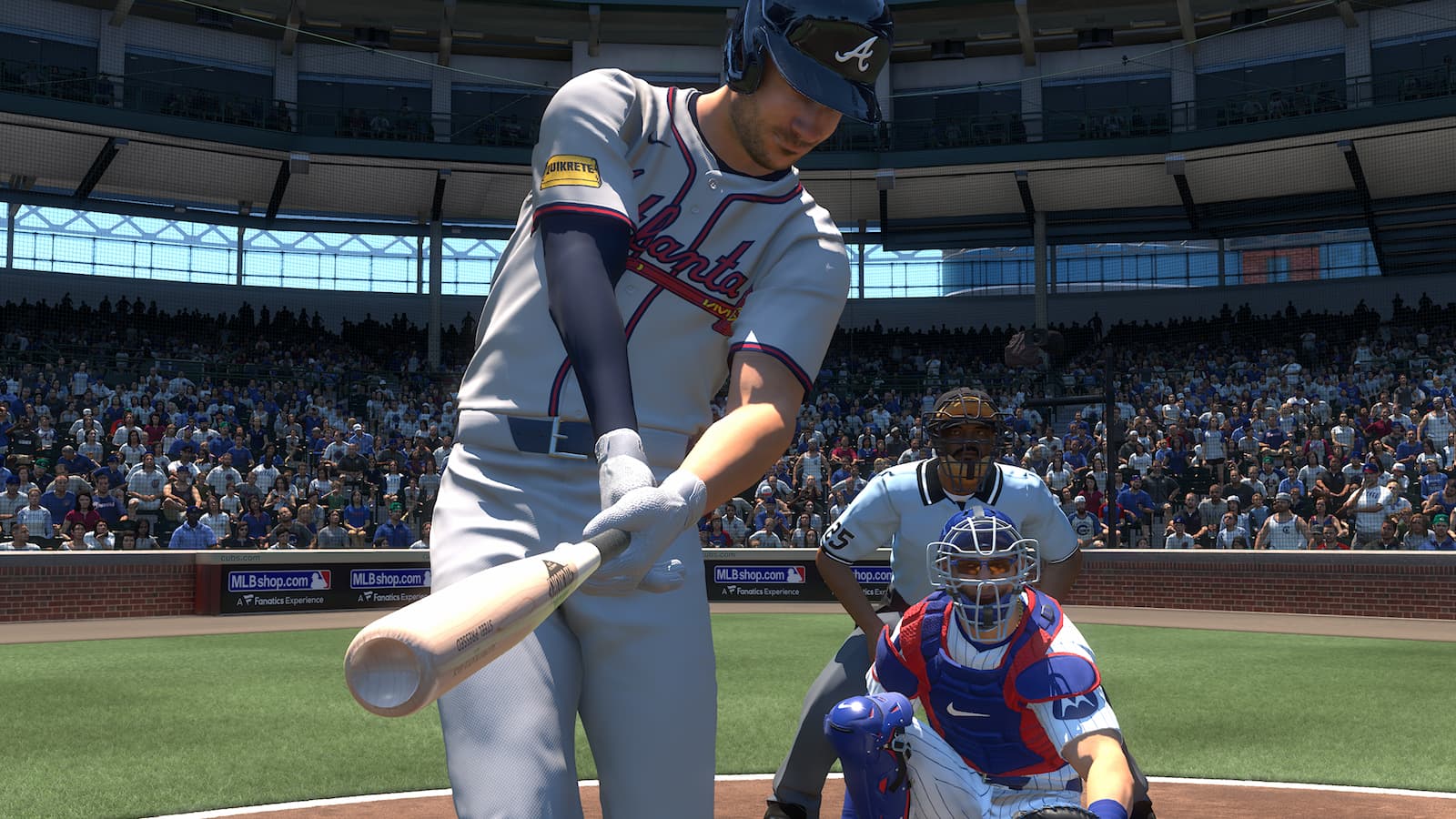
Much like in past installments of MLB The Show, individuals who have copies of MLB The Show 25 for multiple consoles can carry over progress from system to system. This means Diamond Dynasty progress, plus Road to the Show & Franchise saves, can be played on different consoles. However, this is provided that cross-progression is successfully enabled. Here’s a look at how to set up cross-progression, plus how to enable or disable crossplay in MLB The Show 25.
How to activate crossplay
Doing this on PlayStation 5 and Nintendo Switch is relatively easy.
Click the profile on the top-left side of the screen — this will be where the PSN/Nintendo ID to access the user profile. At the middle-right of the screen is the ‘Cross Play’ option. Press it to turn on or off, depending on what it’s set at.

However, Xbox users, much like in past years, have to go through additional steps.
To change the crossplay settings for Xbox, go to the Settings page and then select ‘Account.’ From there, click on the ‘Privacy & online safety’ page.
Then, select ‘Xbox privacy’ and ‘View details & customize,’ Next, ‘Communication & multiplayer.’ Select the ‘You can join cross-network play’ option to enable crossplay.
How to progress on multiple consoles
This can be done by creating a The Show account. Once that’s done, players can then sign-in and link either their PlayStation, Xbox, or Nintendo account — or all of the above — to that account.
At the ‘My Profile’ setting in MLB The Show 25, then select ‘Link Account.’ A code will pop up, one that’ll have to be inputted in the dashboard when signed in to The Show account. Alternatively, one can just sign in with an Xbox, PlayStation, or Nintendo account while signed in to a The Show account.

For the former, you’ll know when it works when the code on the in-game screen disappears. Remember, though, Stubs bought on a specific platform will not carry over to another one.
Check out more of our gaming content.