
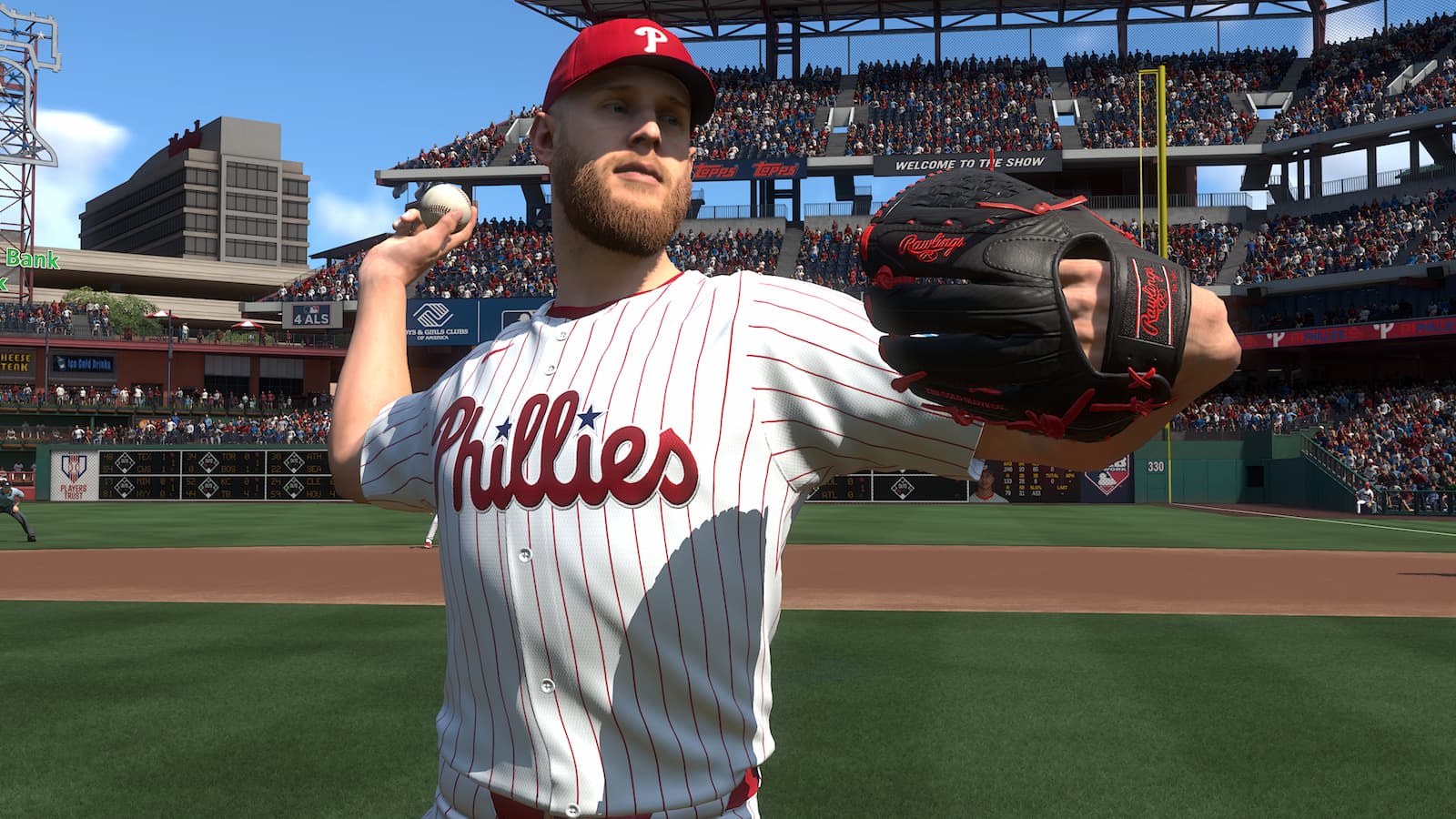
For those new to MLB The Show, MLB The Show 25’s list of settings and interfaces can be confusing. Which interface is the best? What camera angle should I use? We’ve got answers, so let’s take a look at our recommended pitching settings for MLB The Show 25.
Best Pitching Interface
The best pitching interface to use in MLB The Show 25 is Pinpoint Pitching.
There are several different interfaces, ranging from Pulse (which emphasizes A/X), Pure Analog (which requires the user to flick the right analog stick towards the target and time the bottom properly), Meter, or Classic.
Much like the thinking with using Zone hitting in MLB The Show, Pinpoint Pitching takes out the randomness to a certain degree. Attributes will still play a role in the effectiveness and accuracy of a pitch. But, Pinpoint is the best bet.
It’ll take some time to used to for newcomers, although the scale of difficulty for learning it might be shorter for those who’ve played the old MLB 2K games. Pinpoint Pitching is somewhat similar to the interface in the 2009-13 titles.
The objective is simple, move the right analog stick in the required direction (the game will indicate the correct path, by pitch) at a steady pace, then finish it by flicking the right stick the path with the bottom circle.

Camera & other settings for MLB The Show 25
Here’s a look at recommendations for other pitching settings:
- Pitching view (Can be changed in Camera settings): Strike Zone or Pitcher Center
- Auto Bullpen Warm-up: On
- Umpire Accuracy: Perfect or Personalized
- Strike Zone: On
There aren’t many other pitching settings to worry about. However, we’ve noted a few here for additional clarity.
For the pitching view, we recommend Strike Zone or Pitcher Center. Now personally, the writer of this article prefers Pitcher Center. Why? One, it somewhat matches a true broadcast experience. Two, it’s lined up perfectly with the plate, making it easier to see the path of the pitch and set up offerings.
However, many prefer Strike Zone and I will admit it’s likely better. The reasons for using Strike Zone are A) one can get better feedback on the opponent’s swing and B) it doesn’t change anything optically with regards to hitting, especially if you’re using Strike Zone to hit.
On point A, it’s much easier to see whether the opposing hitter is early or late on the pitch. Which, is nice information to have. And on point B, optics is critical when hitting. So, some like to keep the same angle for pitching & hitting to ensure little adjustments have to be made at the plate.
Getting to some of the other settings, Auto Bullpen warm-up and Umpire Accuracy are only necessary for single-player. Bullpens automatically warm up during online play, while Umpire Accuracy is always Perfect there, as well.
However, if you want a more authentic experience, try Personalized. With that setting, umpires will make ball-and-strike calls based on their own built-in tendencies.
Make sure to check our recommendations for the best hitting settings in MLB The Show 25.