
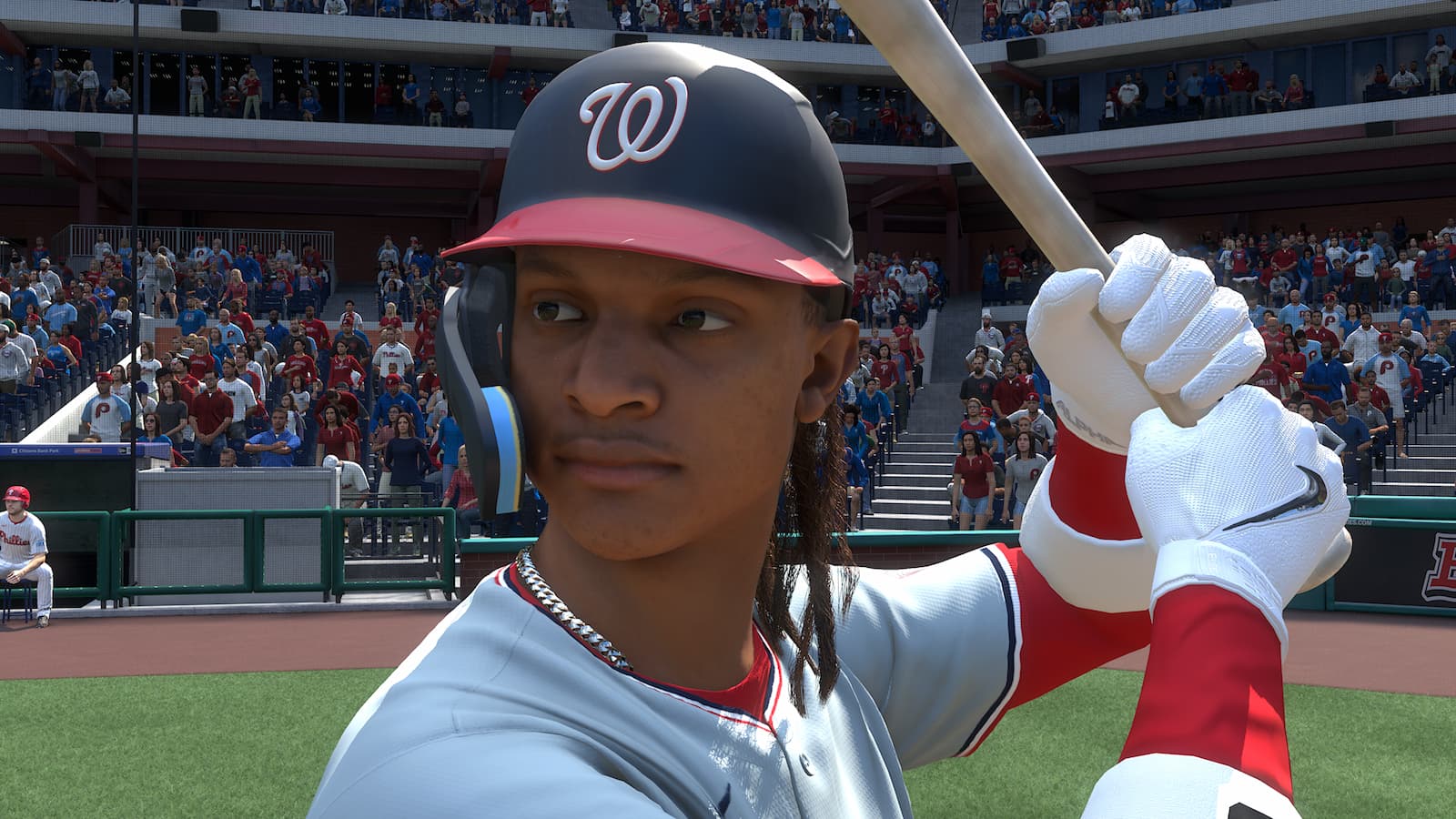
It’s a new year for MLB The Show. MLB The Show 25 dropped worldwide on March 18, what is the 20th installement of the franchise since its rebrand from the 989 Sports era. Now in order to win in The Show, you’ll need to hit. And, we have our list of best hitting settings in MLB The Show 25, including preferred interface and other settings.
Best Hitting Interface
The best hitting interface for MLB The Show 25 is Zone hitting.
Now, there are three primary interfaces: Timing, Directional, and Zone.
Timing is the bare bones interface. All that needs to be done is press A/X for a Normal Swing, B/Circle for Contact, or X/Square for Power, in time to make contact with the baseball.
Directional is virtually the same, with one major twist. One must use the left analog stick to steer the hitter in the direction you want to hit the ball in. Those who’ve played The Bigs will be familiar with this setting.
Zone, meanwhile, involves the usage of the Plate Coverage Indicator (PCI). With the PCI, you can cut out (some of) the randomness of Timing & Directional and manually piece up the baseball.
For newcomers, Zone will take some time to get used to. But, it’s the best option by far.

Camera & PCI settings for MLB The Show 25
As far as the other best hitting settings for MLB The Show 25 that players should be aware of, here’s a look at our recommendations:
- Swing Input: Buttons
- Hitting View (can be changed in Camera settings): Strike Zone
- PCI Center: Bat or Diamonds
- PCI Inner: None
- PCI Outer: Basic (None if using Bat)
- PCI Color: Cyan
- PCI Opacity: 70%
- PCI Anchor: Preset
- PCI (RHP vs. RHH): Middle-Left
- PCI (RHP vs. LHH): Middle-Center
- PCI (LHP vs. RHH): Middle-Center
- PCI (LHP vs. LHH): Middle-Right
My recommendations haven’t changed much when compared to MLB The Show 24. But, one thing I will add is that over the last year, I’ve used the bat PCI considerably more.
One, I feel it takes up less space on the monitor, making it easier to see the pitch. Two, it’s more of an authentic feel, as it helps better visualize how to attack the baseball.
Now as far as the PCI Anchor is concerned, one should keep it on a preset. Players now have the ability to preset how the Anchor is situated in certain situations (i.e. a right-handed bat facing a right-handed pitcher).
Personally, I’ll give you my preferences. For same-sided situations, I like to Anchor the PCI inside, as indicated in the settings mentioned above. The reason why I like this is I tend to focus in and then react to any pitches on the outer half of the plate. This is because many players tend to try to work inside.
At the end of the day, these are personal preferences. However, one thing I highly recommend is ensuring that the PCI does not visually interfere with one’s ability to pick up the release point. That is more important than any PCI Anchor preset.
Regardless of how one uses this, make sure to use this feature — new to MLB The Show 25 — to the fullest.
Make sure to check out more of our MLB The Show 25 and general gaming coverage.