
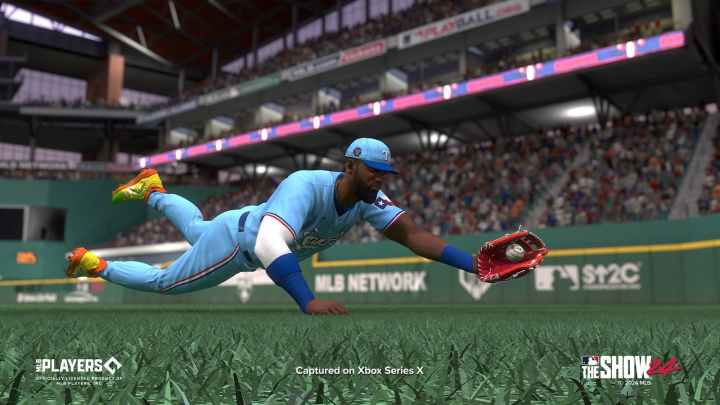
Much like in previous installments of the franchise, MLB The Show 24 will be available for the Xbox, PlayStation, and Nintendo console families. And, developer Sony San Diego confirmed before the game’s launch that cross-progression will also return for this year’s game. For those new to MLB The Show, cross-progression allows players to transfer game progress from one console to another. Here’s how to enable cross-progression in MLB The Show 24.
How to make progress on multiple platforms
To active cross-progression in MLB The Show 24, a universal The Show account must be created first.
To do this, head to MLB The Show’s dedicated website that allows players to manage their accounts. Log in with an existing account by selecting “The Show” tab or for those who don’t have one, create it.
Then, look for “Linked Sections” section on the right-hand side of the home screen. Here, one should fine PlayStation, Xbox, and Nintendo Switch tabs.
To enable cross-progression across the three consoles, simply sign in with a PlayStation, Xbox, or Nintendo account to connect that specific account to The Show account.
Cross-progression is helpful for those who want to make progress on the go. For example, those who have a Nintendo Switch and/or Xbox/PlayStation console can grind in Diamond Dynasty on the same account.
However, be mindful that purchased Stubs do not transfer from console to console. This means that Stubs purchased on an Xbox stay on the Xbox family of consoles, and so on.
Will MLB The Show 24 be on Xbox Game Pass? | Will MLB The Show 24 be available on PC? | MLB The Show 24: All Known Negro Leagues Storyline Players – Full list | MLB The Show 24: Can a CAP be used in Diamond Dynasty? | MLB The Show 24: How to get Twitch drops