
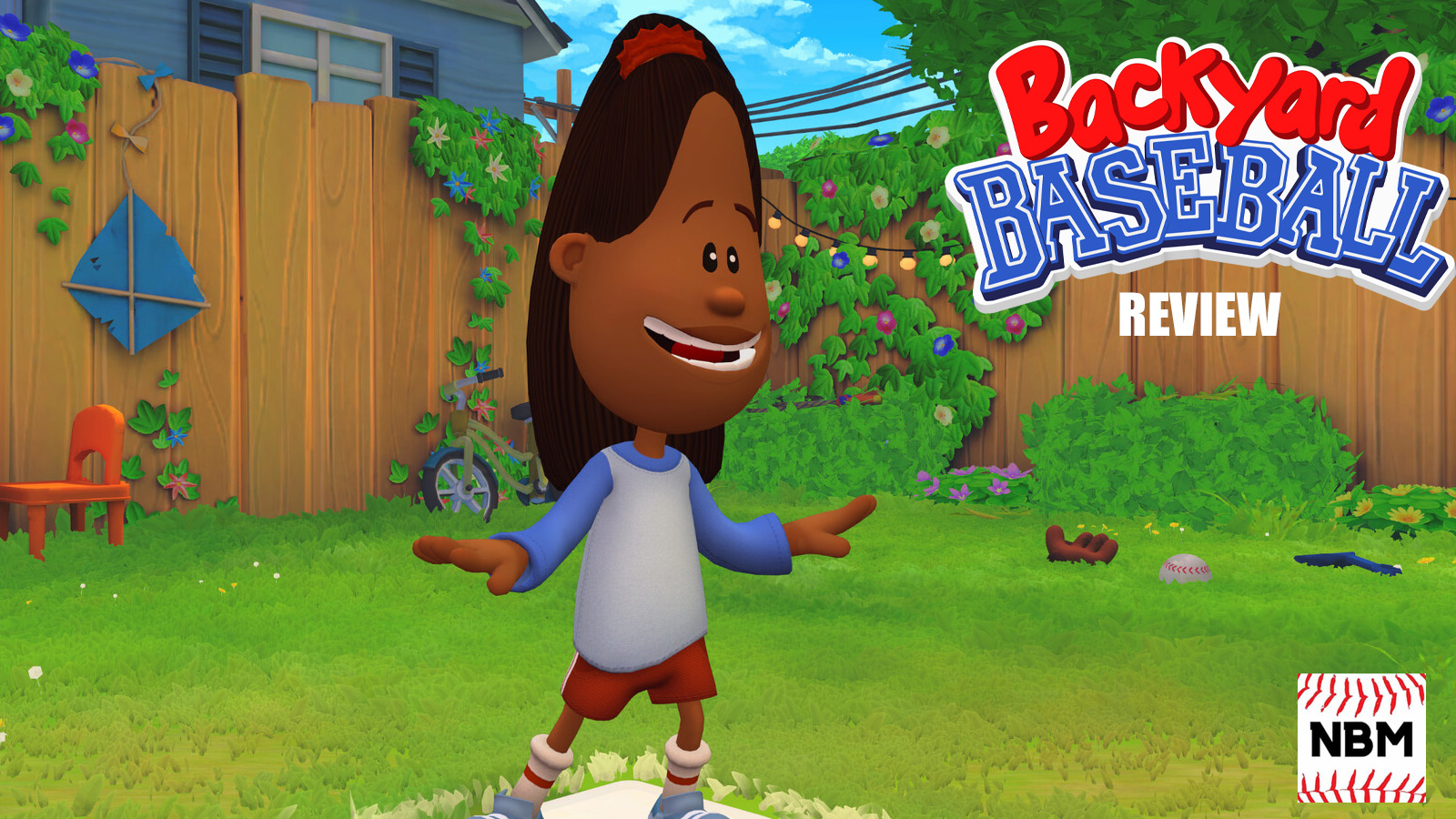
Backyard Baseball (2026) marked the return of a once-dormant franchise that put a unique spin on sports for much of the 2000s. Released in July 2026 for PC (soon to be released on consoles), Playground & Mega Cat put together a modern, fun arcade game that also stayed true to what made the franchise such a hit in the 2000s. Here’s our review of Backyard Baseball.
Return to the field
From the onset, you can tell just how much the folks over at Mega Cat & Playground Productions look to feed off the nostalgia of the past games.
The home screen is a modern version of ones seen in the ‘97 and ‘01 games; the layout is virtually the same, and so are the game mode options.
As of this writing, online play is not available. That was made clear before the game released in early July. But aside from that, everything else.
This includes a handy tutorial for those who need help with the controls (and you might unlock a special character for completing it, too). A Home Run Derby mode, as the name implies, tests the mettle of players to try to hit as many shots out. And, of course, exhibition action and a dedicated season mode.

Backyard Baseball also stayed true to the characters and fields that made up the games of the past. If you expected Pete Wheeler, Kiesha Phillips, Kenny Kawaguchi, and of course, Pablo Sanchez in the game, you won’t be disappointed. Their walk-up themes are also available, for those who turn that setting on. Steele Stadium and Tin Can Alley, amongst others, are also in Backyard Baseball.
A modern look, yes, but still staying true to the aspects that made the old games from Humongous great.
Additionally, it’s also pretty customizable, as expected. Players can modify the on-screen size, FPS, and controller layout, in line with other PC titles.

How it plays
Very easy to pick up, to say the least.
It’s see ball, hit ball, as Backyard Baseball has a relaxed pace that should be easy for the vast majority of players to handle with relative ease. Simple hitting controls; just press one button to hit, and aim with the left stick are the default options.
Much like the older games, there are options to determine the swing type, like a bunt, a Power swing, or a line drive. While hitting, one could also determine the stance type, like going for an open, closed, or squared stance.
As for pitching, pick a pitch and throw. There is a timing system, one similar to Pulse in MLB The Show for those familiar with it. Time the movement of the circle correctly to throw a perfect pitch. And, realistically, it shouldn’t take more than a few minutes to master it.
Backyard Baseball, in its heyday during the late 1990s and 2000s, was well-known for its zany take on the game with special pitches and swings. That is back for the 2026 installment, although it does work a little bit differently. When the ‘Special’ box shows up on the screen, press it to unlock a perk at random. It’s more manual than how it worked in older games, where it would just show up on the screen as an option.
The good news is that if the game is too easy, you can also jack up the difficulty.

Portability
One of the more interesting things that I wanted to test out is how well the game ran on a Steam Deck. After all, portable PCs, like the ROG Ally and the aforementioned device from Valve, are easy enough to drag around and play on a couch, or even on the road. As someone who grew up playing the old Backyard Baseball game on the Game Boy Advance, I wanted to experience that again.
Now, the game – as of now – is not Steam Deck-verified. It is very playable, though it may take some work to magnify certain on-screen elements.
Will it work better on a PC or laptop? Yes. Especially with respect to making out the release point and ball movement (although, unlike in true-to-life baseball sims), this is far less of an issue. But it works for those interested.
What needs to be improved
The folks at Mega Cat Studios have already indicated that it’s received feedback on fielding, so I’ll keep that section brief. But it’s worth mentioning, simply because this is where the development team came up somewhat short.
Fielding in Backyard Baseball just moves slowly, even for those who are supposed to be good at it, and also for players who have good speed. It makes for a tedious dance, as anything that gets past the infield will likely wind up as a hit; even a routine fly-ball can get down regularly.
However, the big gripe that I had was how infielders cover the base. This is something noticeable within the first 30 minutes of gameplay. A first baseman can easily “lose” a throw, which would result in a pretty avoidable error. Now I can understand if this happens once in a while.
But in my first two hours of gameplay, it was more than just once in a blue moon. In fact, it became such a concern that, if a ball was hit to a second baseman, I became more inclined to go for an unassisted out at first, rather than trying to throw to first.

Verdict
For a casual, relaxed, arcade baseball game, Backyard Baseball hit the mark for the most part.
Obviously, as I noted in the last section, there is work to be done. However, there is room for plenty of repeatability and growth here for Playground Productions, which is not done whatsoever with expanding the Backyard Sports IP.
But getting back to the game, it plays fine for the most part. It’s easy to pick up & play, is approachable & doesn’t dangle that carrot that many publishers do nowadays, has depth & charm, and should easily hit the nostalgia cues for those looking for that. But aside from that, it’s just fun. And that’s something that is missing from a lot of games in the world today.
Score: 8/10
Check out more of our gaming content, including our eBaseball Pro Spirit 2026 review.
Disclosure: A PC review copy was provided by the publisher/developer.